Monitor Arms
-
47%
OFF
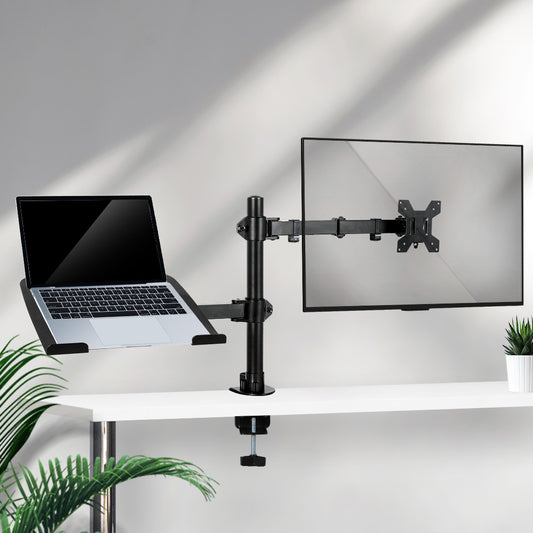
Monitor Stand Arm Display Desk Mount
RRP $99.99(Was $89.63)Regular price $53.09Sale price Now $53.09Regular priceSave $47!
(Was $89.63)Unit price perSave $47!
Sale -
 Ships for Free
25%
OFF
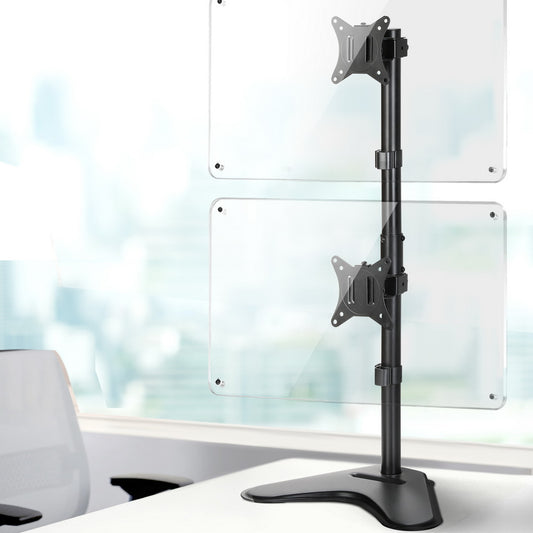
Artiss Monitor Arm Stand Dual Mount HD LED Tv Bracket Holder Freestanding
RRP $54.99(Was $43.95)Regular price $41.11Sale price Now $41.11Regular priceSave $14!
(Was $43.95)Unit price perSave $14!
Sale -
14%
OFF
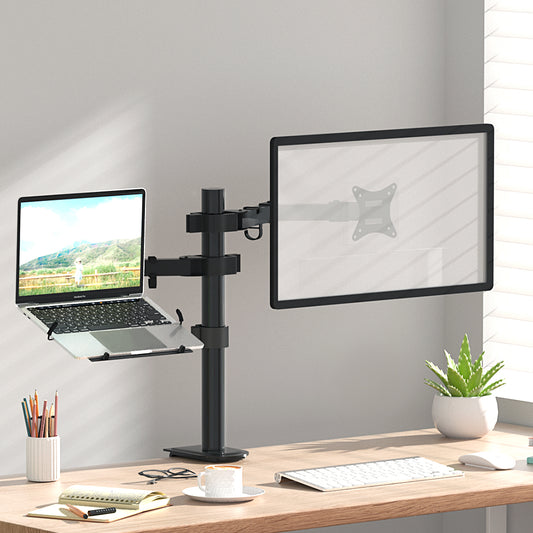
Artiss Monitor Arm Desk Mount Laptop Tray
RRP $65.99(Was $62.41)Regular price $56.73Sale price Now $56.73Regular priceSave $9!
(Was $62.41)Unit price perSave $9!
Sale -
 Ships for Free
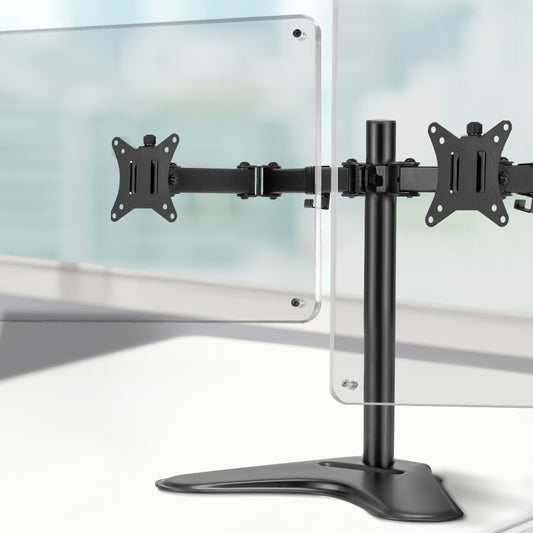
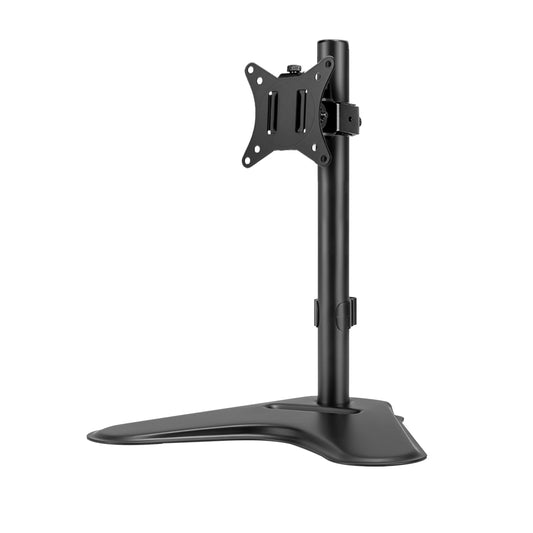
Artiss Monitor Arm Stand Dual Black
RRP $48.99Regular price $42.53Save $6Sale price Now $42.53 Regular priceUnit price per -
 Ships for Free
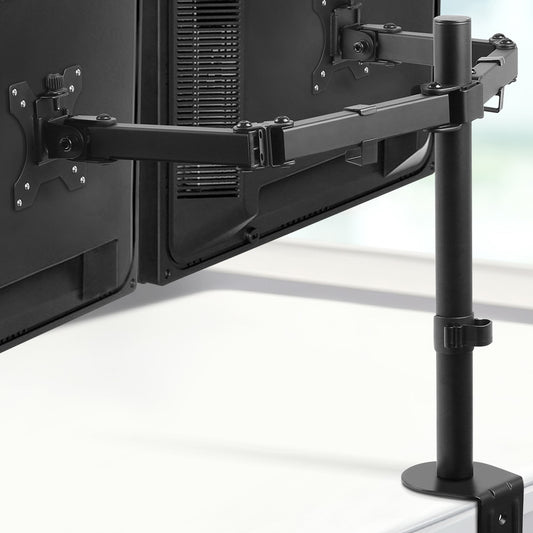
Artiss Monitor Arm Desk Mount Screen Holder
RRP $35.99Regular price $35.43Save $1Sale price Now $35.43 Regular priceUnit price per -
 Ships for Free
19%
OFF
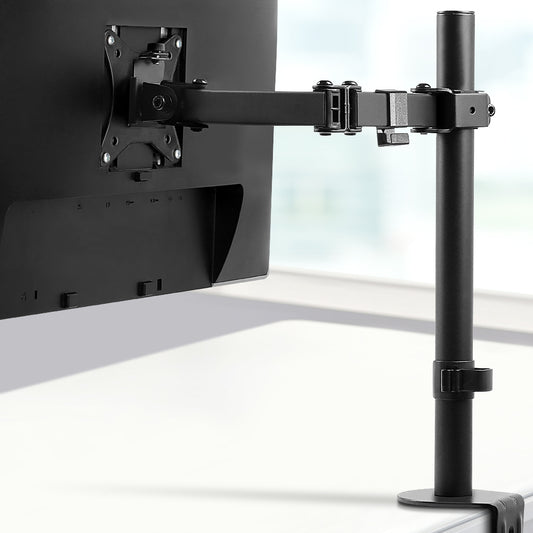
Artiss Monitor Arm Dual Desk Mount Screen Bracket Holder
RRP $50.99(Was $64.67)Regular price $41.11Sale price Now $41.11Regular priceSave $10!
(Was $64.67)Unit price perSave $10!
Sale -
 Ships for Free
26%
OFF
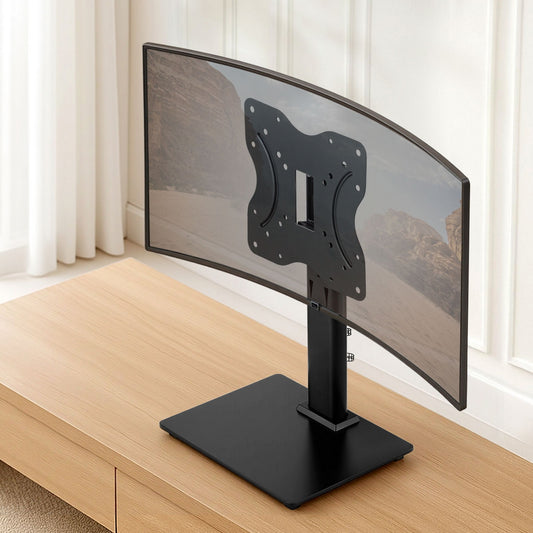
Artiss Monitor Arm Desk Mount Screen Bracket Holder
RRP $45.99(Was $42.53)Regular price $34.01Sale price Now $34.01Regular priceSave $12!
(Was $42.53)Unit price perSave $12!
Sale -
 Ships for Free
TV Stand Bracket for 19 - 43 inch TVs Table Top Desktop Universal Swivel
RRP $54.99Regular price $38.27Save $17Sale price Now $38.27 Regular priceUnit price per -
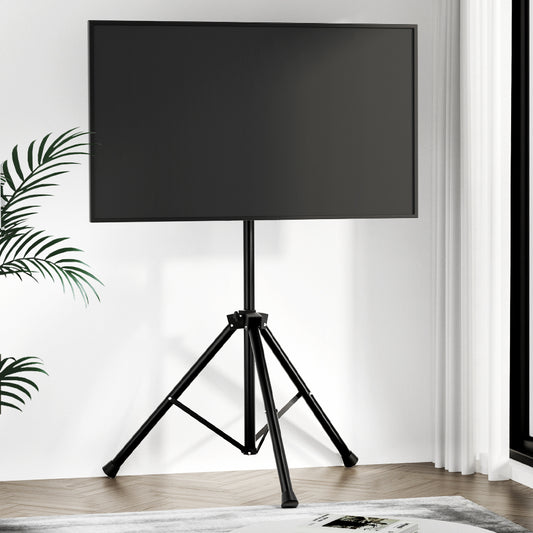 Sold out
TV Stand Mount 32-70" Swivel Bracket Tripod Universal LED LCD Home Office
Rated 5.0 out of 5 stars1RRP $109.99Regular price $72.35Save $38Sale price Now $72.35 Regular priceUnit price perSold out -
 Ships for FreeSold out
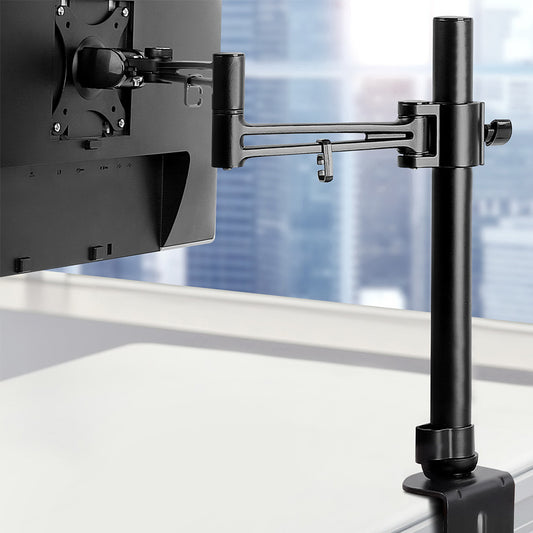
Artiss Monitor Arm Desk Mount Screen Holder Bracket
RRP $50.99Regular price $32.59Save $18Sale price Now $32.59 Regular priceUnit price perSold out -
 Ships for FreeSold out
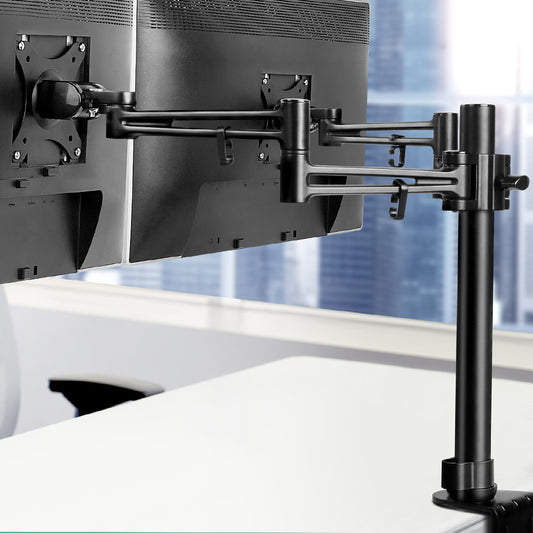
Artiss Monitor Arm Dual Desk Mount Screen Holder Bracket
RRP $68.99(Was $84.77)Regular price $51.05Sale price Now $51.05Regular priceSave $18!
(Was $84.77)Unit price perSave $18!
Sold out -
 Sold out
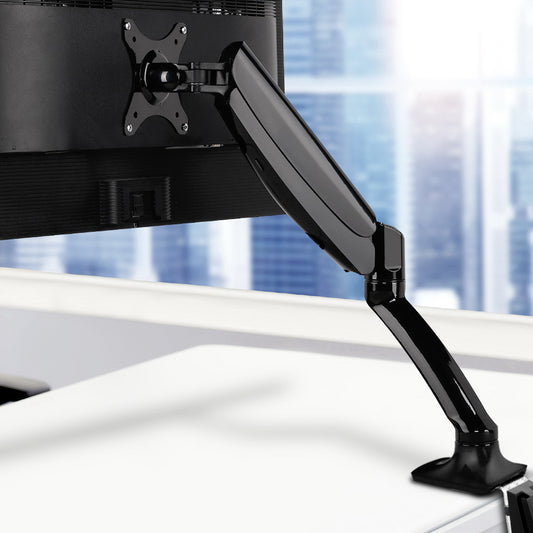
Artiss Monitor Arm Gas Spring Desk Mount Screen Holder
RRP $59.99(Was $74.27)Regular price $42.53Sale price Now $42.53Regular priceSave $17!
(Was $74.27)Unit price perSave $17!
Sold out -
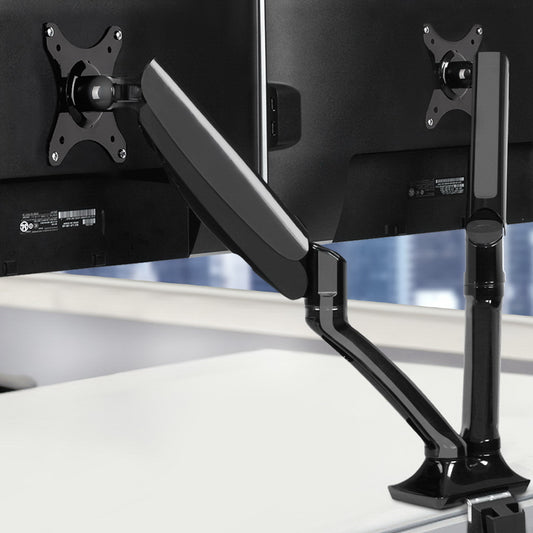 Ships for FreeSold out
Artiss Monitor Arm Gas Spring Dual Desk Mount Screen Holder
RRP $95.99(Was $77.19)Regular price $73.77Sale price Now $73.77Regular priceSave $22!
(Was $77.19)Unit price perSave $22!
Sold out
You might need these too
Shop Affordable Monitor Arms
Our cheap monitor arms give Australian home office users, students, and desk workers a practical way to reclaim desk surface, improve screen height, and reduce strain during the working day. From single desk mount arms to dual monitor configurations and laptop tray combinations, each cheap monitor arm in our range attaches to a desk surface and allows screen position to be adjusted for height and viewing angle rather than relying on the monitor's fixed base. The range also includes a freestanding dual stand format for desks where clamping to the edge is not practical. Customers rate us highly on Trustpilot for fast delivery and excellent value. For a fixed-height screen positioning alternative, browse our monitor stands range, or explore our full office furniture collection to build out the rest of your workspace.
Single, Dual, and TV Stand Formats: Matching the Mount to Your Screen Count
The three main formats in this range serve different screen configurations, and choosing the wrong format is the most common purchasing mistake in this category. Single monitor arms hold one screen and are the right choice for a home office or study desk where a single monitor is the primary display. Dual monitor arms hold two screens on the same mounting point, which suits multi-tasking setups where both monitors need to be aligned at a consistent height or positioned at different angles depending on the workflow. The TV stand mount in this range accommodates screens up to 70 inches and is designed for home office or living room use where a floor or tripod stand is preferred over wall installation. Pairing any monitor arm format with a supportive seat from our office chairs or mesh office chairs collections ensures the ergonomic benefit of raising the screen is matched by equally considered seating.
VESA Pattern, Weight Capacity, and Mount Type: What to Verify Before Ordering
Three technical checks apply before buying a monitor arm, and skipping any one of them can mean the arm does not fit the setup. The first is the VESA pattern: most monitors have a four-hole mounting pattern on the back, commonly 75x75mm or 100x100mm, and the arm must support the same pattern as the monitor. The second is weight capacity: confirm the monitor's weight without its stand and check it against the arm's rated capacity in the product listing, since heavier or larger screens need an arm built for the load. The third is mount type: clamp mounts attach to the desk edge and suit most flat-edge surfaces, while grommet mounts pass through a hole in the desk and require either an existing grommet opening or the ability to drill one. If you are combining a monitor arm with an adjustable-height desk, checking the edge profile in our desks or sit stand desks collections before buying both confirms the clamp will fit without modification.
Gas Spring vs Standard Arms: Understanding the Mechanism Difference
Gas spring arms and standard friction-pivot arms are both available in this range, and the mechanism type affects how the screen moves in daily use. A gas spring arm uses internal pressure to counterbalance the monitor's weight, allowing the screen to be repositioned with minimal effort by simply pushing or pulling it in the desired direction. The tension is adjustable to suit monitors of different weights, which matters when swapping between screens or adding a secondary display. Standard friction-pivot arms use tightened joints to hold the arm in position: repositioning requires loosening the joint, moving the screen, and re-tightening, which suits setups where the screen angle and height rarely change. For a workspace where screen height or angle is adjusted frequently throughout the day, a gas spring design is noticeably more convenient. Adding a laptop desk alongside a monitor arm creates a flexible dual-surface arrangement for those who switch between a laptop and an external screen, and office accessories help keep cable management clean once the arm is installed.
Building a Complete Ergonomic Workspace Around a Monitor Arm
A monitor arm addresses screen position but works best as part of a workspace where the chair, desk, and surrounding setup are considered together. Corner desks often create natural screen positioning challenges because the usable surface runs at an angle: mounting a monitor arm on a corner desk resolves this by positioning the screen independently of the desk edge and keeping the full corner area available for other work. Floor protection is an addition that tends to be planned last but makes a meaningful difference once the workspace is in daily use: a chair mat under the seat protects the floor and allows easy movement between keyboard position and other areas of the desk, which becomes more relevant once a monitor arm has freed up enough surface to spread work materials more widely. Building the setup in order, starting with desk height, then chair height, then monitor arm positioning, produces a more cohesive result than addressing each piece separately.
Why Shop at Factory Buys
Factory Buys is rated highly on Trustpilot by Australian shoppers who consistently highlight fast delivery and great value on office accessories. All monitor arms in our range come with a 12-month warranty, and our customer support team is available 8am to 8pm, seven days a week, to help with compatibility questions or anything that comes up after your order arrives.
Should you choose a single, dual, or laptop tray arm?
Choose a single monitor arm for one screen and a cleaner, simpler setup. A dual arm suits two monitors or one monitor plus a laptop tray if you want everything aligned at eye level. A laptop tray arm suits lighter setups and hot-desking. Check the product listing for supported screen sizes and whether the arm is designed for one or two displays.
What VESA pattern and weight rating must your screen meet?
Check the back of your monitor or the manufacturer specs for the VESA mounting pattern, then match that to the arm’s supported VESA sizes on the listing. Weight rating is just as important, especially with larger screens, so confirm your monitor weight without the stand. If you are using a curved monitor, double check compatibility notes before purchasing.
Will a clamp or grommet mount suit your desk thickness?
A clamp mount suits most desks with a straight rear edge, but you need enough clearance at the back for the clamp to tighten properly. A grommet mount suits desks with a cable hole or where you can use a drilled opening. Measure desk thickness and compare it to the mount range on the product page, and check whether your desk top is strong enough.